Many businesses do not struggle with customer support because their agents lack skills or experience. The pressure comes from outdated systems that cannot keep up with modern expectations.
In today’s support environments, several patterns appear again and again:
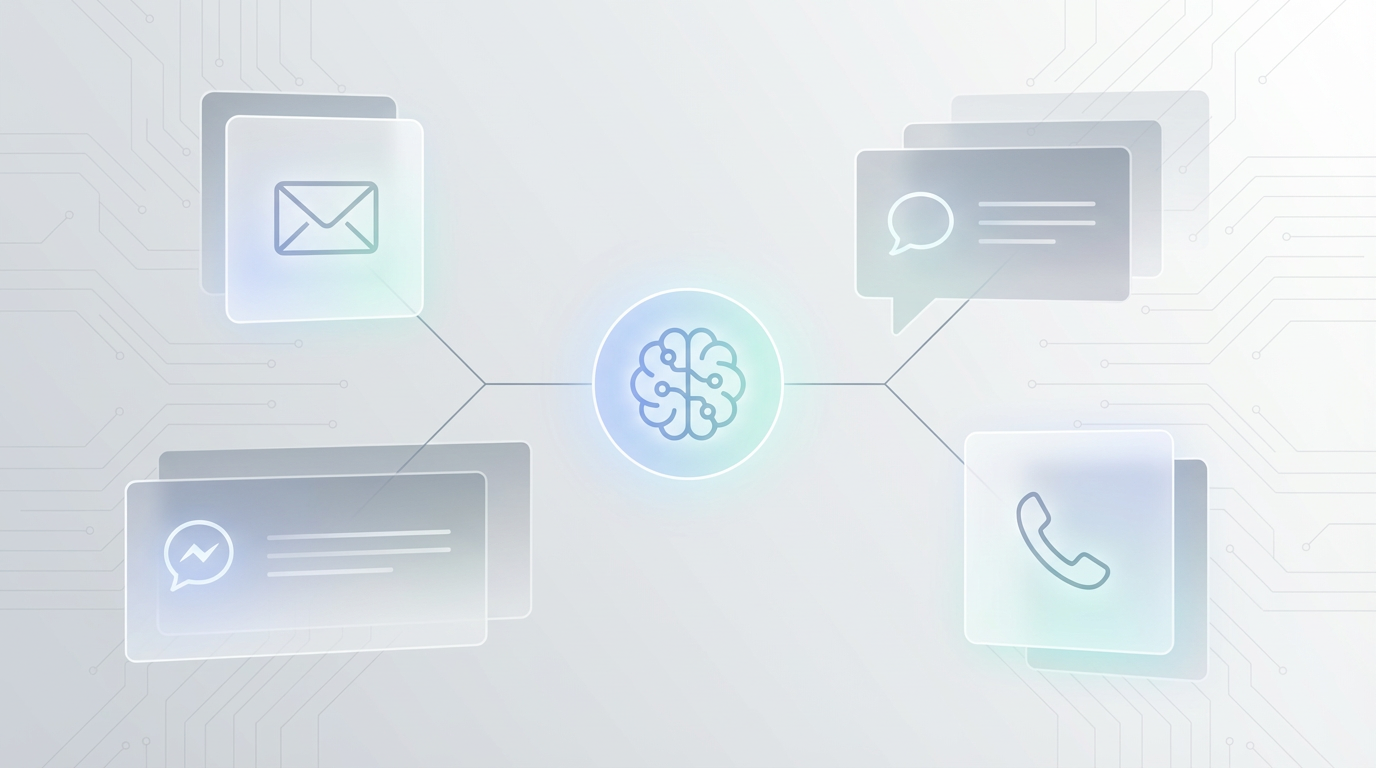
- Inquiries arrive through email, chat, social platforms, and ticketing systems at the same time
- Customers expect immediate responses regardless of time zone or business hours
- Technical questions grow more complex as products evolve
- Response quality varies between agents, which affects trust and satisfaction
- Scaling often leads to higher costs, longer onboarding cycles, and operational strain
When these issues accumulate, response times slow down, customer frustration increases, and support teams face constant overload.
Here are seven customer support AI automation strategies businesses should use to address these challenges without removing human expertise from the process:
1. Train customer support AI on internal processes and documentation
Customer support AI performs best when it operates within clearly defined internal rules. Systems trained on generic data cannot reflect how a specific product, service, or support organization actually works.
Training customer support AI on internal resources aligns responses with real operational knowledge, including:
– Internal documentation and knowledge bases<br>
– Established workflows and escalation paths<br>
– Product-specific terminology and policies<br>
– Support standards and response guidelines<br><br>
When customer support AI works with these materials, responses reflect the same logic and accuracy expected from experienced agents. This reduces incorrect answers, improves consistency, and ensures that customers receive information grounded in verified sources.<br><br>
Over time, this approach creates a reliable support layer that mirrors internal expertise instead of approximating it.
2. Automate repetitive technical inquiries using customer support AI
A significant share of customer support tickets follows predictable patterns. Payment issues, account access problems, order verification, and setup questions appear daily in most support queues.
Customer support AI can address these inquiries immediately by identifying intent and retrieving relevant information from internal systems. This allows teams to resolve routine cases before they reach human agents.
Common categories handled by customer support AI include:
- Payment status checks and transaction issues
- Login and authentication problems
- Order or user number validation
- Set up instructions and configuration guidance
- Frequently repeated technical errors
By automating these workflows, businesses reduce manual workload and shorten response times. Agents can then focus on complex issues that require judgment, investigation, or direct customer interaction.
This shift improves efficiency without reducing service quality.
3. Deliver consistent omnichannel responses with customer support AI
Consistency is a key factor in customer trust. Customers expect the same answer regardless of whether they contact support through email, chat, social media, or helpdesk forms.
Customer support AI acts as a shared response layer across all channels. Because responses come from the same internal documentation and rules, the information remains consistent at every touchpoint.
This approach supports:
- Uniform messaging across communication platforms
- Fewer follow-up questions caused by conflicting answers
- Faster resolution due to clear, repeatable responses
As consistency improves, ticket volume decreases, and customers spend less time seeking clarification. Customer support AI helps enforce this consistency without requiring additional oversight from team leads.
4. Integrate customer support AI directly into existing tools
Customer support AI works most effectively when it fits into current systems. Replacing tools introduces friction and slows adoption.
Modern customer support AI integrates with platforms teams already use, including:
- CRM systems
- Ticketing and helpdesk software
- VoIP and call center tools
- Internal dashboards and admin panels
Within these environments, customer support AI can create and update tickets, categorize inquiries, validate user information, and send automated follow-ups. Agents continue working inside familiar interfaces while the AI handles background tasks.
This integration reduces context switching and keeps workflows intact.

5. Support agents in real time with customer support AI assistance
Customer support AI also functions as a real-time assistant for human agents. In this mode, it provides guidance rather than automated replies.
Agents receive:
- Suggested responses based on internal documentation
- Technical solution recommendations without manual searching
- Structured explanations ready for customer communication
- Tone analysis that flags urgency or frustration
These features help agents respond faster while maintaining clarity and professionalism. Customer support AI becomes a support layer for the team itself, improving speed and accuracy without removing human decision-making.
6. Escalate complex cases automatically with customer support AI context
Not every inquiry can or should be resolved through automation. Customer support AI identifies when a case exceeds predefined limits and prepares it for human review.
During escalation, customer support AI:
- Detects complexity or unresolved conditions
- Creates a detailed support ticket
- Attaches full conversation history
- Adds relevant technical context and recommendations
This preparation reduces investigation time for agents and prevents customers from repeating information. Escalation becomes faster and more precise, which shortens resolution cycles and improves customer experience.
7. Protect sensitive data with secure customer support AI architecture
Security plays a central role in customer support AI adoption. Systems should operate entirely within the client’s environment and follow strict access controls.
Key security features include:
- Data storage within internal infrastructure
- No sharing of customer data with external services
- No external training on private conversations
- Role-based access for authorized staff
- Full audit logs and monitoring
These safeguards allow businesses to deploy customer support AI safely, including in regulated industries where data control is critical.
How customer support AI systems operate in practice
Customer support AI follows a structured workflow to ensure accuracy and reliability:
- Incoming messages are analyzed for intent and context
- Internal documentation is searched using retrieval-augmented generation
- A personalized response is created based on verified sources
- System integrations keep records synchronized across tools
For example, when a customer asks about a failed payment, customer support AI checks transaction status, provides next steps, and escalates only when human intervention is required.
See how customer support AI works in your environment
Customer support AI delivers measurable improvements when it operates within real processes and real data. TekamoAI helps businesses implement customer support AI that fits their workflows, protects sensitive information, and scales with demand.
Book a demo to see how TekamoAI can support your customer support team with customer support AI designed for accuracy, security, and long-term growth.